Showing posts with label Emulators. Show all posts

Best emulators for Android


reznaf | 8:00 AM | , , , , , , , , ,

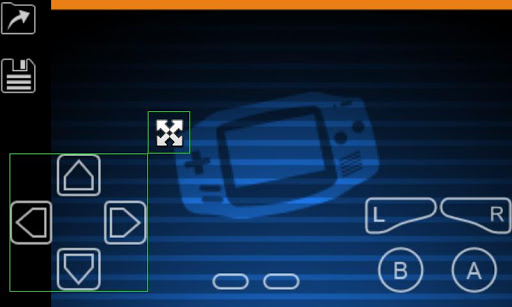
My Boy! GBA Emulator


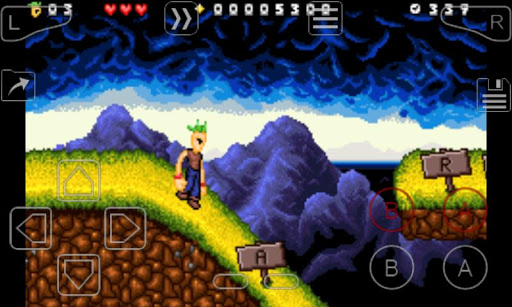
Many of us remember the good ol’ days of the GameBoy Advance, but unfortunately they’re now considered a thing of the past. That’s where My Boy! GBA Emulator comes in. Bring your old games back to life on your Android device. The UI is easy to navigate, save your game in a snap, and even learn how to launch the games via your desktop. This is one of my personal favorites. On my Galaxy S7 Edge, My Boy! GBA Emulator runs flawlessly while playing almost any games. There are a few strange slow spots here and there, but the majority of the emulator runs flawlessly.


DraStic DS Emulator


With DraStic DS Emulator, you can now play your Nintendo DS games, on your Android device. Your favorite interactive games at your fingertips, on your smartphone or tablet. One of the cool things about this app is that you can you use an external controller, making it even more fun to use.
Sync your games with Google Drive, customize some of the features, and even increase your emulation speed if the game is a little too slow for your taste.


SuperRetro16 (SNES)


Every 90’s kid will appreciate this one: SuperRetro16 (SNES). Remember the games you knew and loved from your Super Nintendo Entertainment System? Now you can jog your memory by downloading SuperRetro16 (SNES), and play them again for years to come. The cool thing about apps like this is that you no longer have to wish that your kids would’ve experienced the games that you had as a child, because now you can show them.
One of the awesome things about SuperRetro16 (SNES) is that there’s cloud syncing across all your devices, making your games available to play, whenever you want to, in whatever form you decide.


Nostalgia.NES Pro


The Nostalgia.NES Pro is the perfect emulator for the “modern” nerd. The simplistic design is not only fun, but it’s also customizable. Resize the buttons to suit your preferences, easily save your game, and the best part? The ability to rewind. Yes, you can rewind your game to alter the result of your last move, possibly saving your character from utter destruction.


My OldBoy! GBC Emulator


The My OldBoy! GBC Emulator is similar to the My OldBoy! GBA emulator, but it’s specifically for GameBoy Color games rather than Gameboy Advance games. You can easily change the color palette of your game and even launch games from your desktop. This emulator is neat because it has customizable controls and has special features, such as link cable and tilt sensors. This particular emulator also takes advantage of ARM Assembly code, allowing you to easily get to 60 frames-per-second on even low-end devices. I tried out a Super Mario Bros. Deluxe ROM on this emulator, and it runs great!


ePSXe


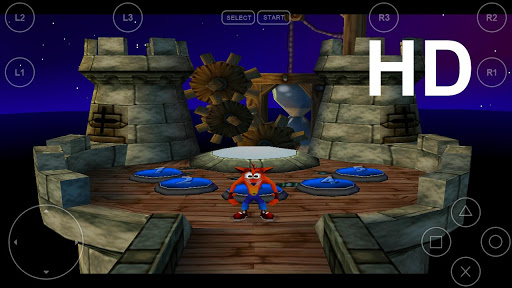
ePSXe is an amazing emulator to bring Playstation (PSX and PSOne) to your Android phone or tablet. Go multiplayer with up to 4 players, or play by yourself. With a 99% compatability rate, you can play all your favorites, use external controls, awesome save features, cheat codes, shaders, filters, and more!


MD.emu


Sega Genesis is back and better than ever with MD.emu. This emulator features on screen controls with gun support, accurate sound, cheat codes, and automatic save. The best kind of blast from the past, The original Sonic the Hedgehog has never looked so good as on your Android phone/tablet! The benefit of this emulator is that it’s a Sega Genesis emulator, meaning it’s older, and as a result, it’s easier to find perfectly legal ROMs from places likewww.archive.org.


FPse


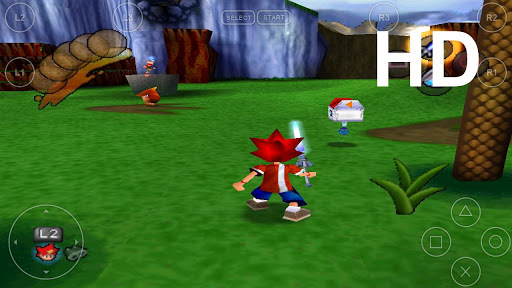
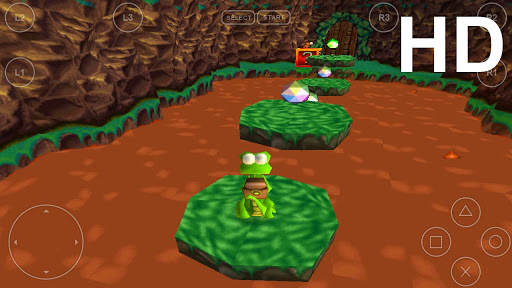
FPse is one of the best emulators out there for the original PlayStation, especially because of the stunningly high resolution, offering some amazing graphics. In this well-thought-out app, you’ll find it’s never been easier to use an emulator. There’s 10 different game pads to choose from, multiplayer options, a cheat code search engine, and when you download the app, it’ll search your device for PlayStation games and automatically match them with covers. It makes things look neat, organized, and overall very professional.

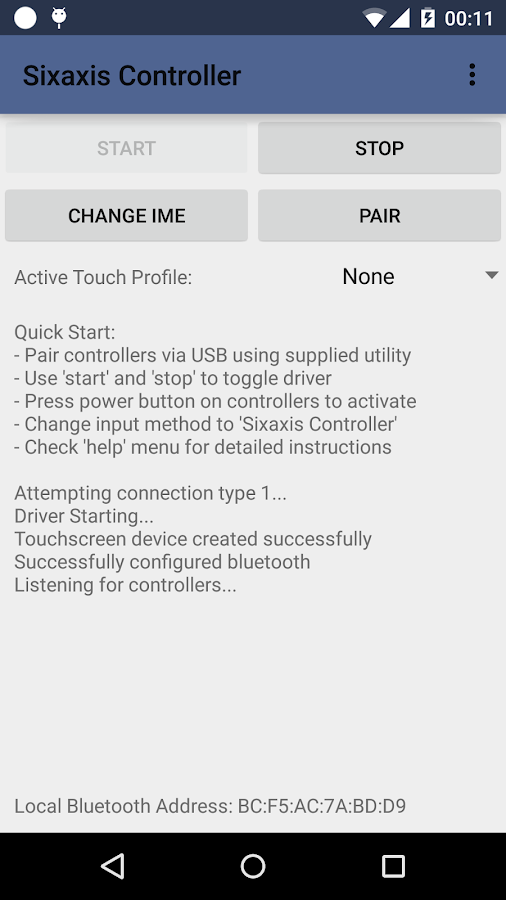
Sixaxis Controller v0.9.0


reznaf | 4:00 PM | , , , , ,


Description: Not all devices are supported, therefore it is strongly recommended that you try the Sixaxis Compatibility Checker (available for free on Google Play) before purchasing this app.
Finally the wait is over... The ultimate gaming experience awaits! Now you can play games on your phone the way they were meant to be played! Sixaxis Controller allows you to use the following controllers in many of your favourite games and applications:
PlayStation 3:
Sixaxis Controller
DualShock® 3 Wireless Controller
PlayStation® Move Navigation Controller
PlayStation 4:
DualShock® 4 Wireless Controller (If pairing on a PC, you must use SixaxisPairTool 0.3.0+)

*** IMPORTANT ***
ROOT access is required!!!
- Due to the way pairing is done with the controllers, you need to manually pair your controller with the PC utility 'SixaxisPairTool' (available on the website) and a mini-USB cable. Android 3.1+ users can also pair directly on their devices via USB.
- It is highly recommended that you use an ORIGINAL controller. Many after market controllers will not work with this app. If you get a 'Client connected: 1' message, but the lights on your controller continue to flash, it is almost certainly not an original Sony controller.
- The fake controllers that are most likely to work (though not guaranteed) are those made by Gasia. If you bought a fake that works but isn't made by Gasia, I'd love to hear from you so I can compile a list of known working controllers.
- Be sure to read the instructions in the help menu carefully.
Features:
- Up to four Sixaxis, DualShock 3, DualShock 4 and Navigation controllers supported at once.
- Support as a native gamepad in Android 3.1+ devices. Full support for analog sticks and analog triggers.
- Keyboard emulation. Map all buttons and sticks to almost any key available in Android.
- Mouse emulation. Configure a button to activate the mouse pointer on devices that support mice (most tablets, and many phones should work).
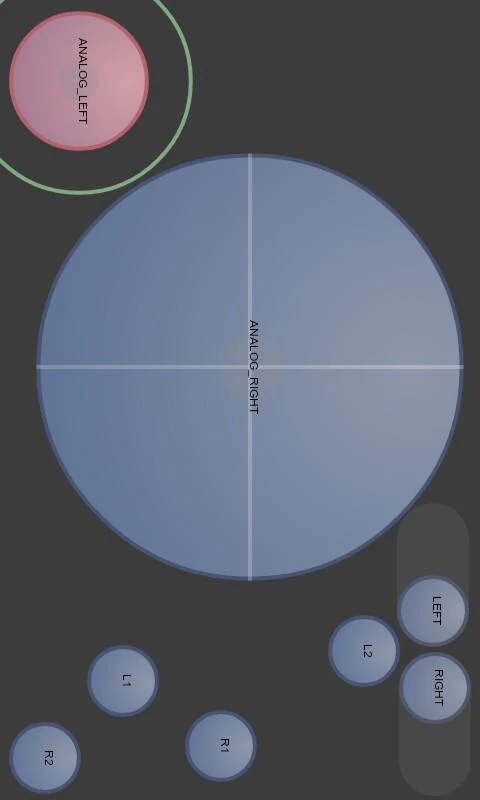
- Touch emulation allows you to map buttons and analog sticks to the screen. Play all your favourite games with full analog support, even those without built-in controller support!

Android OS Requierements: 4.0+

Screenshots:

More info:

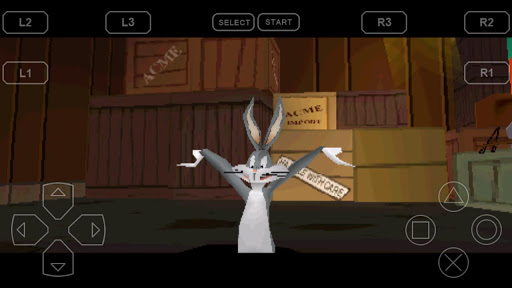
PPSSPP Gold - PSP emulator v1.2.0.0


reznaf | 9:34 AM | , , , ,


Description: Play PSP games on your Android device, at high definition with extra features!
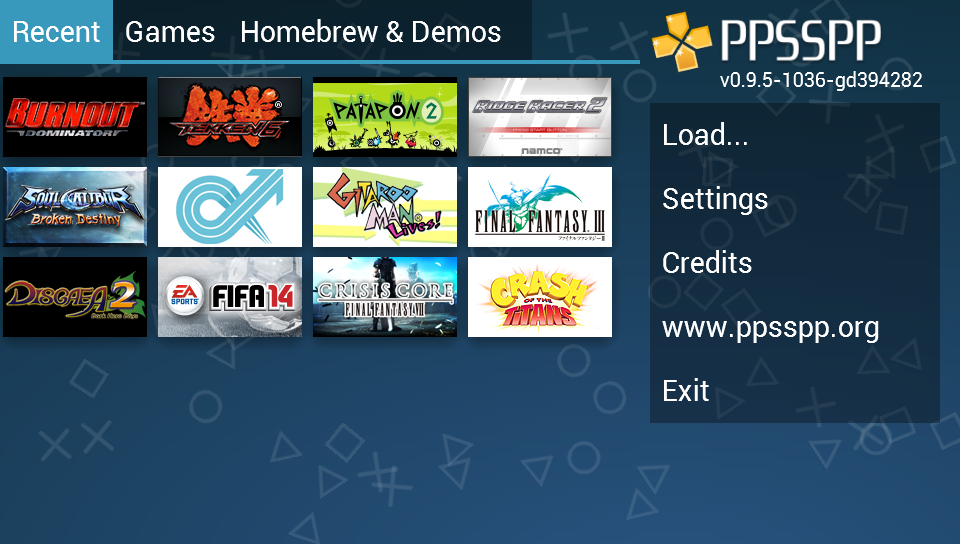
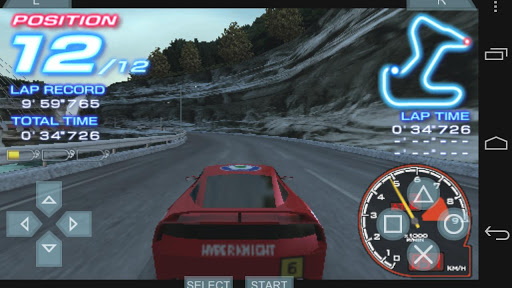
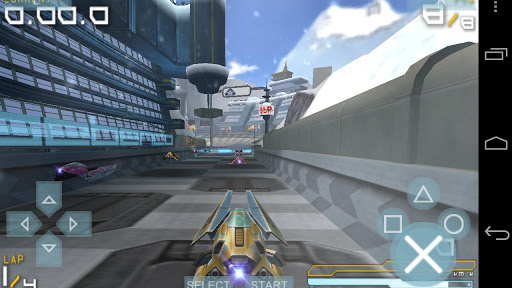
PPSSPP is the best, original and only PSP* emulator for Android. It runs a lot of games, but depending on the power of your device all may not run at full speed.
No games are included with this download. Dump your own real PSP games and turn them into .ISO or .CSO files, or simply play free homebrew games, which are available online. Put those in /PSP/GAME on your SD card / USB storage.
Some games that work (not all will run full speed on all devices):
Persona 2, Persona 3 Portable
Dragon Ball Z
Little Big Planet
Burnout Legends, Burnout Dominator
Final Fantasy : Crisis Core
Final Fantasy : Type-0
Monster Hunter 2 Unite and 3: HD Remake
Soul Calibur
Tekken: Dark Resurrection and Tekken 6
Grand Theft Auto LCS / VCS
Lumines
Worms
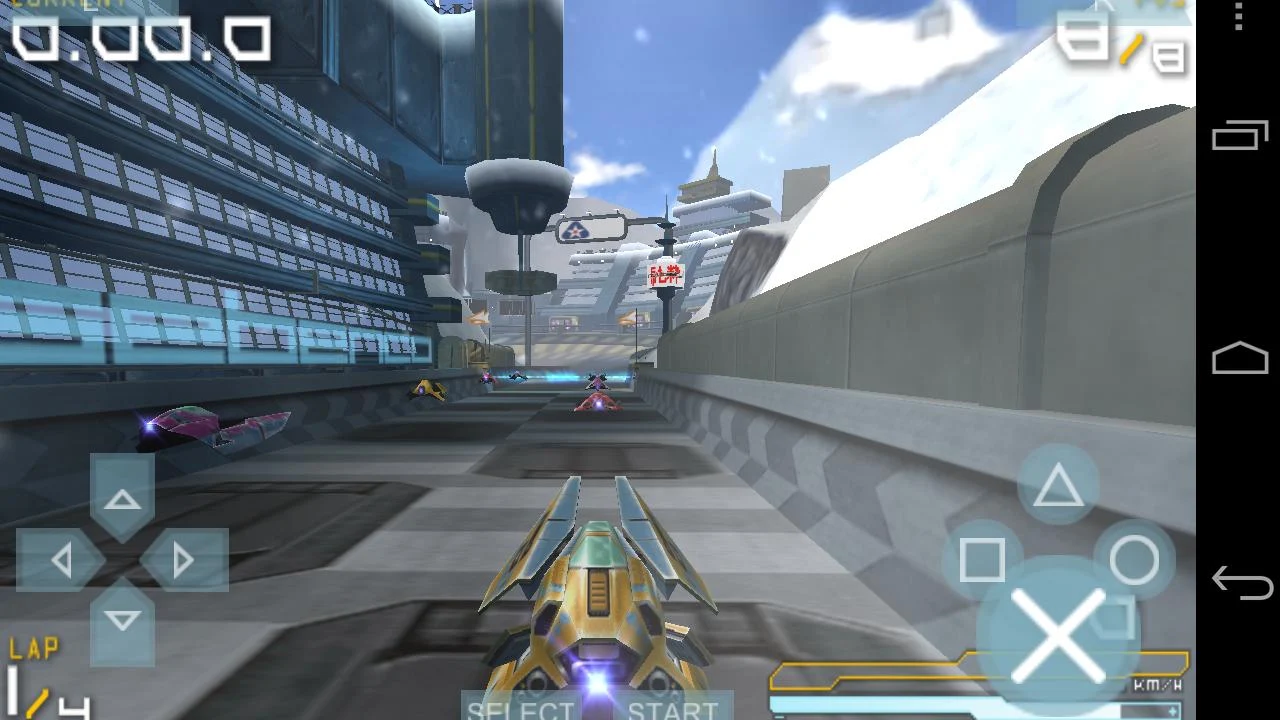
Wipeout
and many more...

Android OS Requierements: 4.0+

Screenshots:

More info:

My Boy! - GBA Emulator v1.5.2


reznaf | 8:00 PM | , , , ,


Description: My Boy! is a super fast emulator to run GameBoy Advance games on the broadest range of Android devices, from very low-end phones to modern tablets. It does more than just emulating the full system. Thanks to the save state system, you can save progress at any time and return back to it instantly. And while enabling fast-forward in game, you can quickly skip the long boring intros/dialogs in RPGs.
*** Link instructions added on our website.
*** CHEATS ACTUALLY WORK! Please refer to the FAQ on our website.
• Fastest emulation. Easily get to 60 FPS without frame skips on medium-end devices.
• Excellent game compatibility. Run nearly all games without a problem.
• Saves your battery as much as possible.
• Link cable emulation either on the same device, or across devices over Bluetooth or Wi-Fi, running at decent speed.
• Gyroscope/tilt/solar sensor and rumble emulation through your Android's hardware sensors and vibrator!
• Enter multilined GameShark/ActionReplay/CodeBreaker cheat codes and enable/disable them on the fly while the game is running.
• High-level BIOS emulation. No BIOS file needed.
• IPS/UPS ROM patching
• OpenGL rendering backend, as well as normal rendering on devices without a GPU.
• Fast-forward to skip long stories, as well as slow down games to get past a level you cannot in normal speed.
• Save games at any time with screenshot
• On-screen keypad (multi-touch requires Android 2.0 or later), as well as shortcut buttons such as load/save.
• A very powerful screen layout editor, with which you can define the position and size for each of the on-screen controls, as well as for the game video.
• External controllers support, through either the Android native way or input method.
• Well-designed user interface. Seamlessly integrated with the latest Android.
• Create and switch to different screen-layout and key-mapping profiles.
• Create shortcuts to easily launch your favorite games from your desktop.
No games are included in this app and you need to obtain yours in a legal way. Place them onto your SD card, and browse to them from within the app.
LEGAL: This product is not affiliated with, nor authorized, endorsed or licensed in any way by Nintendo Corporation, its affiliates or subsidiaries.

Android OS Requierements: 1.6+

Screenshots:

More info:

ePSXe for Android v1.9.3


reznaf | 8:00 PM | , , , ,


Description: ePSXe for Android is a Playstation emulator (PSX and PSOne). It is a port from the famous ePSXe for PC. ePSXe provides very high compatibility and good speed. It is designed for smartphones and tablets, (for 1-4 players) including a fun 2 players option for tablets using split screen mode. Include virtual touchscreen pad support, and hardware buttons mapping (Xperia Play, phones with keyboard or gamepad, and external gamepads - bluetooth or USB - such as WiiMote, Sixaxis, Xbox 360, Moga, Ipega...), and analog sticks.
ePSXe for Android support OpenGL HD enhanced graphics thanks to Peopsxgl Plugin, see the documentation for configuration info (Menu->Info).
ePSXe includes native support for ARM and Intel Atom X86.
Games must be provided by user.

Android OS Requierements: 2.2+

Screenshots:

More info:

FPse for android v0.11.107


reznaf | 8:00 PM | , , , ,


Description: FPse for Android is the fastest and most compatible PSone emulator for handheld devices.(also known as PSX or Playstation 1)
More than 200.000 active users and rated up to 4,5 stars on google play!

FPse is able to render PSone games in high resolution by using OpenGL which gives outstanding graphics!
Take a look to the Official Documentation to understand requirements and how it works:
Create an ISO image from your favorite games and enjoy playing them on your Android phone.
FPse features the following:
-Impressive UI which scan and draw covers games automatically!
-High performance
-High compatibility
-High sound quality
-Real-time save states
-Audio track emulation (using .cue files)
-Force-feedback
-Dynamically loadable Overlay Pads
-Guncon emulation
-Analog Stick emulation
-Compatible with G-Sensor, Touchscreen and Hardware keys
-Supports .img, .iso, .bin, .cue, .nrg , .mdf and .Z disc image formats
-Full Support for IcontrolPAD, BGP100,Zeemote (via Bluez IME)
- Full native support for Xbox 360 pads, PS3 Sixasis pads and MOGA controllers!!
-OpenGL support via external plugin!
-Experimental LAN multi Players mode using two Android devices! Play with two players mode with games that wasn't made for that! IE: Tekken3!
-Exclusive automatic cheats search engine.

Android OS Requierements: 2.1+ / ROOT

Screenshots:

More info:

PPSSPP Official v0.8.1


reznaf | 8:00 PM | , , , ,


Description: PPSSPP is a PSP emulator for Android and other platforms. It runs a lot of games, but depending on the power of your device all may not run at full speed.
See http://www.ppsspp.org for more information.
No games are included with this download, you will have to dump your own PSP games and turn them into .ISO or .CSO files, or simply play free homebrew games, which are available online. Put those in /PSP/GAME on your SD card / USB storage.
* PSP is a trademark of Sony, Inc.

Android OS Requierements: 2.2+

Screenshots:

More info:

PPSSPP Gold v0.7.6


reznaf | 8:00 AM | , , , ,


Description: NOTE: There is also a free version of PPSSPP, with identical functionality: 
https://play.google.com/store/apps/details?id=org.ppsspp.ppsspp
Buy PPSSPP Gold to support further development of PPSSPP, or download the free version instead if you don't want to support us :)
PPSSPP is a PSP emulator for Android and other platforms. It is being developed at a rapid speed and compatibility is increasing quickly, but there are many games it doesn't yet run.
See http://www.ppsspp.org for more information.
IMPORTANT: No games are included with this download, you will have to dump your own PSP games and turn them into .ISO or .CSO files, or simply play free homebrew games, which are available online.
* PSP is a trademark of Sony, Inc.
Please do not give bad reviews due to low compatibility. It takes time.

Android OS Requierements: 2.2+

Screenshots:

More info:

ePSXe for Android v1.8.7


reznaf | 12:16 PM | , , , ,


Description: ePSXe for Android is a Playstation emulator (PSX and PSOne). It is a port from the famous ePSXe for PC. ePSXe provides high compatibility and good speed. It is designed for smartphones and tablets, including a fun 2 players option for tablets using split screen mode. Games must be provided by user. Include virtual touchscreen pad support, and hardware buttons mapping (Xperia Play, Phones with keyboard, and external pads like WiiMote or Sixaxis), and analog sticks.
From the version 1.8.0, ePSXe for Android support OpenGL enhanced graphics thanks to Peopsxgl Plugin, see the documentation for configuration info (Menu->Info).
From the version 1.8.4, ePSXe includes native support for ARM and Intel Atom X86.

Android OS Requierements: 2.2+

Screenshots:

Download Instructions - APK:

DSdroid v1.2.5


reznaf | 3:15 PM | , , , , ,


Description: NOTE: To all of you having file browser reset problems, try force stopping and clearing app data. Don't worry, it will only erase your settings.
I am proud to present DSdroid, the fastest and most compatible NDS emulator for Android, voted by it's users!
Features:
On-screen controls
Sound
Microphone
DeSmuME compatibility
Fullscreen landscape (touch input is buggy)
FPS counter
Open Source (https://github.com/SeannyM/DSdroid)
FREE! (however you can donate to support future development)
I have upgraded my phone since starting this project, because developing a NDS emulator on a 600mhz phone is, well... it's slow. Releases should happen more frequently after next week, but for now I am going away for a bit.

Android OS Requierements: 2.2+

Screenshots:


Download Instructions - APK:

FPse for android v0.11.81


reznaf | 5:35 PM | , , , ,


Description: FPse for Android is the fastest and most compatible PSone emulator for handheld devices.(also known as PSX or Playstation 1)
More than 200.000 active users and rated up to 4,5 stars on google play!

FPse is able to render PSone games in high resolution by using OpenGL which gives outstanding graphics!
Take a look to the Official Documentation to understand requirements and how it works:
http://www.fpsece.net/faq.html
Create an ISO image from your favorite games and enjoy playing them on your Android phone.
FPse features the following:
-High performance
-High compatibility
-High sound quality
-Real-time save states
-Audio track emulation (using .cue files)
-Force-feedback
-Dynamically loadable Overlay Pads
-Guncon emulation
-Analog Stick emulation
-Compatible with G-Sensor, Touchscreen and Hardware keys
-Supports .img, .iso, .bin, .cue, .nrg , .mdf and .Z disc image formats
-Full Support for IcontrolPAD, BGP100,Zeemote (via Bluez IME)
-OpenGL support via external plugin!

Android OS Requierements: 2.1+, ROOT

Screenshots:

Download Instructions - APK:
1. Install Google Play Installer
2. Run "Installer cracked GooglePlay" and press "Install and Reboot".
3. Enable Internet.
4. Install FPse for android
5. Run

http://ul.to/qv3rw2d0
https://play.google.com/store/apps/details?id=com.emulator.fpse 

PPSSPP Gold v0.6


reznaf | 11:27 AM | , , , , , ,


Description: PPSSPP is a PSP emulator for Android and other platforms.
IMPORTANT: There is also a free version of PPSSPP, with identical functionality:
https://play.google.com/store/apps/details?id=org.ppsspp.ppsspp
Buy PPSSPP Gold only to support further development of PPSSPP. Feel free to download the free version linked above if you want to.
PPSSPP is a PSP emulator for Android and other platforms. It is being developed at a rapid speed and compatibility is increasing quickly, but there are many games it doesn't run yet and it doesn't run fast on Android yet.
Please go to http://www.ppsspp.org for more information.
No games are included with this download, you will have to dump your own PSP games and turn them into .ISO or .CSO files, or simply play free homebrew games, which are available online.
* PSP is a trademark of Sony, Inc.
IMPORTANT: Please do not give bad reviews due to low compatibility. It takes time.

Updated: Jan. 27, 2013
0.6 brings large speed improvements though JIT compilation and vertex caching.
The JIT unfortunately does not yet work on Snapdragon and a few other devices. Please await v0.61.

Android OS Requierements: 2.2+

Screenshots:

Download Instructions - APK:

GBC.emu v1.5.7


reznaf | 3:05 PM | , , , , ,


Description: Gameboy (Color) emulator based on Gambatte 0.5-wip (GPL), designed and tested on the original Droid/Milestone, Xoom, Galaxy S2, Nexus 7, and Xperia Play, but works on many devices with similar specs.
Features include:
* Selectable color palettes when playing original GB games
* Cheats codes in Game Genie & Gameshark (01xxxxxx type) formats
* Backup memory and save state support, auto-save and ten manual slots for save states. State files from Gambatte should work on GBC.emu and vice-versa.
* Supports games in .gb and .gbc formats, optionally in .zip files
* Configurable on-screen multi-touch controls & keyboard support (up to 4 touches supported at once), and an Xperia Play optimized button layout
* Wiimote + Classic Controller, iControlPad, and Zeemote JS1 support (Wiimotes not yet working on Android 4.2), also works with any generic Bluetooth/USB gamepad supported by Android
* Portrait/Landscape auto-orientation support
No ROMs are included with this app and must be supplied by the user. A number of public domain games/demos are available at www.pdroms.de. Transfer games anywhere to your internal storage/SD card and browse to them from within the app (default SD card directory is /mnt/sdcard).
Follow me on Twitter for updates about my apps:
https://twitter.com/rakashazi
Visit the homepage at explusalpha.com for more info, ports for other platforms, and my other apps (including Snes9x EX). Please report any crashes or device-specific problems via email (include your device name and OS version) so future updates continue to run on as many devices as possible.

Android OS Requierements: 2.3+

Screenshots:

Download Instructions - APK:

PPSSPP Gold v0.5


reznaf | 11:02 AM | , , , , ,


Description: PPSSPP is a PSP emulator for Android and other platforms.
IMPORTANT: There is also a free version of PPSSPP, with identical functionality:
https://play.google.com/store/apps/details?id=org.ppsspp.ppsspp
Buy PPSSPP Gold only to support further development of PPSSPP. Feel free to download the free version linked above if you want to.
PPSSPP is a PSP emulator for Android and other platforms. It is being developed at a rapid speed and compatibility is increasing quickly, but there are many games it doesn't run yet and it doesn't run fast on Android yet.
Please go to http://www.ppsspp.org for more information.
No games are included with this download, you will have to dump your own PSP games and turn them into .ISO or .CSO files, or simply play free homebrew games, which are available online.
* PSP is a trademark of Sony, Inc.
IMPORTANT: Please do not give bad reviews due to low compatibility. It takes time.

Android OS Requierements: 2.2+

Screenshots:

Download Instructions - APK:

Related Posts Plugin for WordPress, Blogger...