The Aberration Inside v1.1


reznaf | 10:36 PM | , , , ,


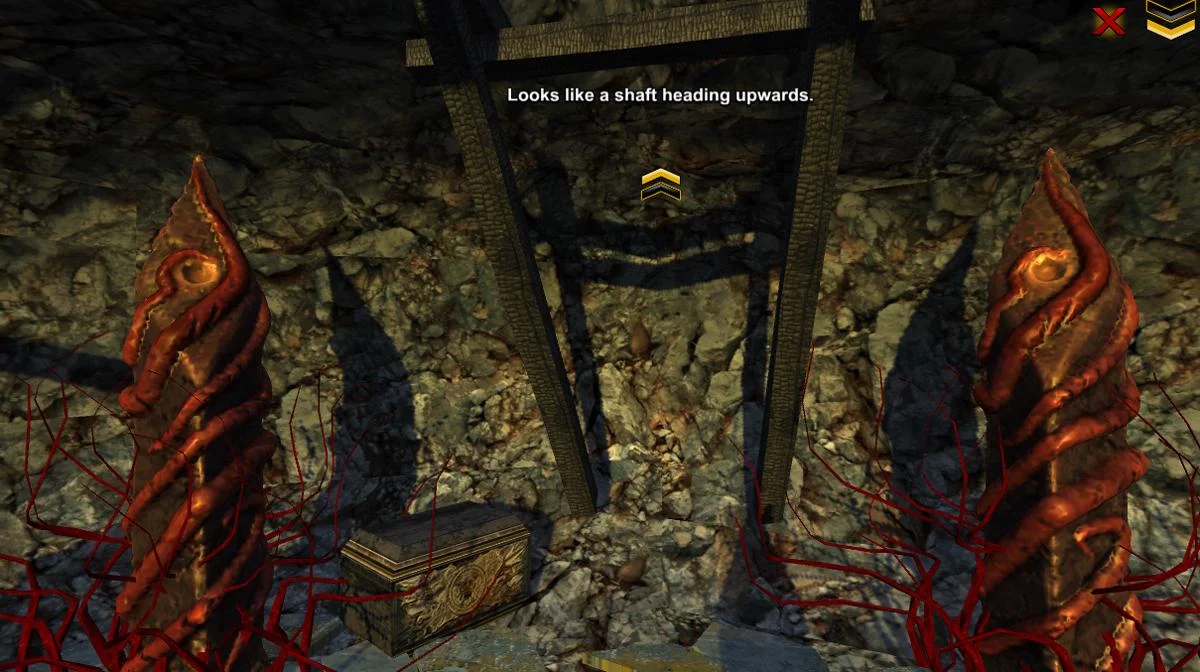
Description: The Aberration Inside is a 3D point and click escape adventure game.
Discover the mystery of the forsaken mountain and what has drawn you here. The notes you find around the place will help you to discover what is happening. Speaking to some of the 'inhabitants' will also provide you with some insight into your situation.
Collect all of the items and complete the game in as little time as possible for the best score!
Move around the scenes by clicking the arrows when your mouse is at the edges of the screen.
You can rotate the camera at certain times by clicking the LEFT & RIGHT edges of the screen.
You can go back to the previous position by clicking on the BOTTOM edge.
Click the chevrons in the upper-right corner to open the inventory.
Click inventory items to equip them and then click on objects in the scenes to interact with them.
The game saves your progress so you will continue where you left off. You can reset your game progress by clicking reset in the upper-right on the how-to-play screen.
The game must be played at least twice (both routes) to collect all of the items and to be able to receive the alternate ending.

Android OS Requierements: 3.0+

Screenshots:

More info:

Casio's WSD-F10 with Android Wear priced at 500$


reznaf | 8:00 AM | , , , , ,


Casio has just launched their inelegantly named but elegantly designed Smart Outdoor Watch WSD-F10 on the Google Play Store, Amazon, REI, and the Casio store. The price tag might seem steep at $499.99, but the device is specifically designed to be tough as nails for those living rugged, outdoor lives.


If you’re a runner, hiker, explorer, or any of the like, this might just be your go-to piece of tech to take along on your journey. We’ve seen plenty of smartwatches aimed at style, but comparatively few looking to be stout devices ready to withstand the wear and tear of more active lifestyles. The gritty little wearable  has a 1.32-inch dual layer display that has a power save option that allows it to swap between color and monotone. With this functionality, you can radically stretch your battery’s lifespan.


From the looks of it, it appears to come pre-loaded with a bunch of outdoorsy apps to assist with hiking, running, or fishing, but nothing is keeping you from installing your favorite apps once you get your hand on it. It’s true the price tag makes it something of an investment, but it really is one of the most rugged Android Wear devices we’ve seen so far.

Source: androidauthority.com

iPad Pro 9.7 alternative? Chuwi HiBook might be the one!


reznaf | 8:00 AM | , , , , , ,


Chuwi’s HiBook tablet specifications have been confirmed today detailing a Cherry Trail powered 10.1-inch convertible tablet.

If Apple’s mini iPad Pro didn’t get your juices flowing yesterday, then what about something a little more versatile and affordable from China?


Tablet maker Chuwi have confirmed the detailed specifications of their smaller convertible tablet. The device called the HiBook will feature a 10.1-inch 1920 x 1200 display running an Intel Cherry Trail Atom-x5 Z8300 CPU (no details on RAM or memory yet).

The device is said to run either Windows 10 or Android 5.1 and will come with 2 x full size USB, 1 x USB Type C, 2 mega-pixel front camera, 5 mega-pixel rear and 6600mAh battery.

For those of you wanting to get some typing in on the tablet, an optional keyboard will be available separately.


Pricing will be $239 with tablets launching on the 28th March.

Source: gizchina.com

Planet of Cubes Premium v2.2


reznaf | 4:00 PM | , , , , ,


Description: Premium version of our most popular MMO crafting and block building sandbox game on the infinite Planet made of Cubes! Advantages over FREE version are below: 
- Ads free! 
- Three opening skins available in every premium skin packs. Total of 45 skins available for FREE. 
- 250 coins to start from! Rent more chunks and get more new skins using these initial amount of coins.
- No bizarre APK permissions required for the installation.
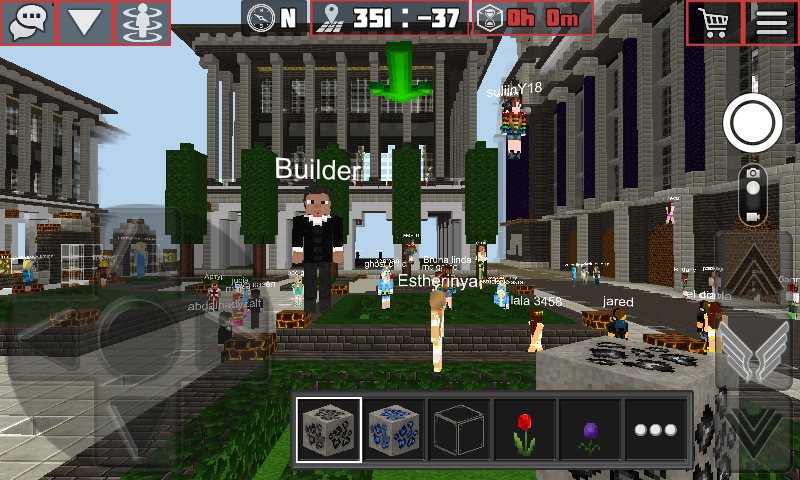
Planet of Cubes is the first Massive Multiplayer Online block building game with one global infinite planet made of cubes.
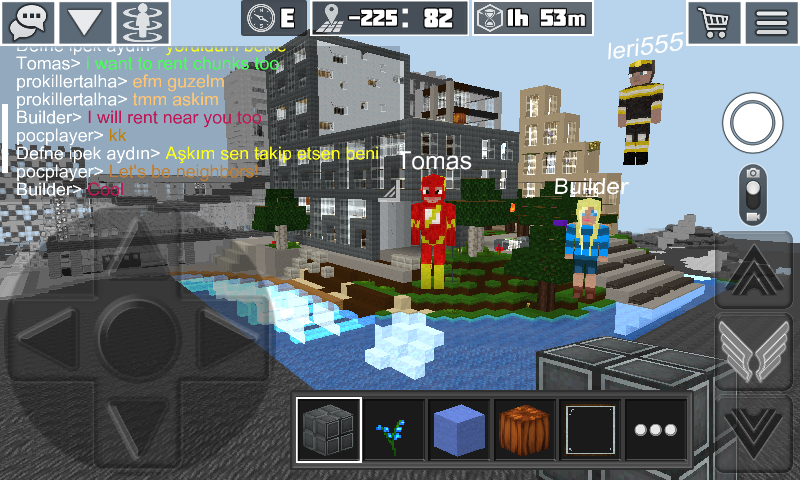
Rent your own areas (CHUNKS) of this beautiful Planet made of cubes and start your creative joy today. Chat with other players globally when you build.
Only you can build on your own chunks – but watch out your chunk rentals expiration! Once your rental is expired someone else can rent it and lock you out from modifying.
A single chunk area consists of the 16 x 16 square cubes and 256 cubes in height. You can turn “SHOW MY CHUNKS” mode and easily spot all of your chunks – in this mode the Planet of Cubes is displayed in grey color except your own chunks.
The whole single and beautiful Planet made of cubes is shared among all multiplayer users online worldwide!
Ancient castles and cathedrals, lost ships and aircrafts, flying islands, cities and megalopolises, military basis, Egyptian pyramids, epic monuments and many other exciting objects and places are waiting for your exploration in this infinite Planet.
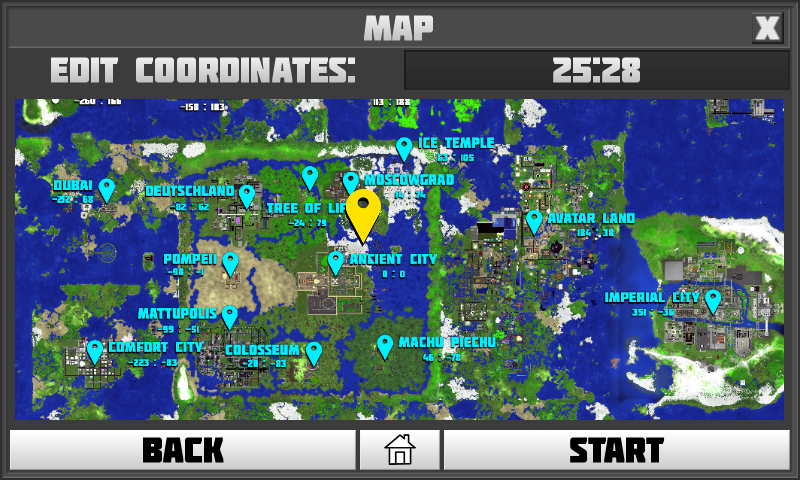
The game has compass and current coordinates display to make navigation through the endless infinite world easier. You can also chat with all players who are visible within your current “View Distance” range.
You cannot build or dig inside the Spawn Zone and on the chunks belonging to other users. All cubes inside the Spawn Zone have TTL value of 0. Thus to build something make sure to leave Spawn Zone where TTL indicator is greater than 0.
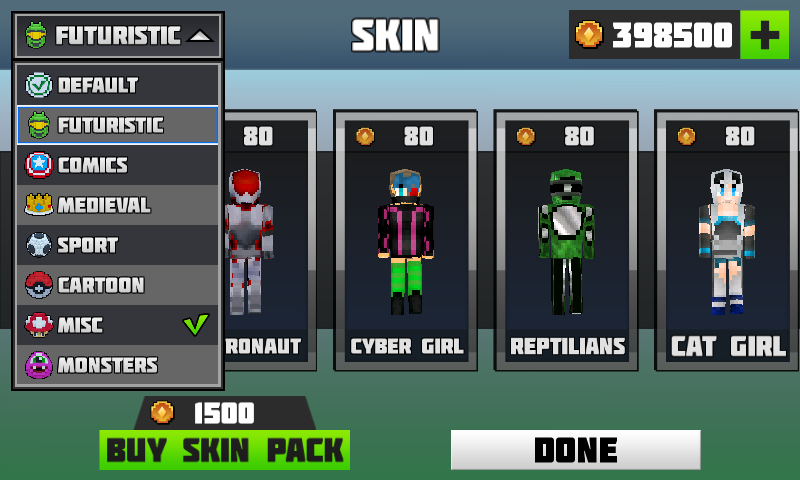
Make sure to select your own skin from 160+ available skins. You will have random skin assigned upon your first login to the Planet.
Planet of Cubes game gives you infinite number of possibilities and endless potential for all of your creative, constructional and survival needs.
FEATURES:
•One global infinite Planet made of cubes available to all users across the world
•Unlimited amount of players worldwide
•Rent your own areas ( CHUNKS ), build your creations and chat globally
•Endless amount of beautiful buildings and places made of cubes to explore
•Built-in chat in Multiplayer mode
•More than 160+ player skins available
•Works over Wi-Fi and 3G
•No need to setup and/or host a server
•No subscription or additional fees required
•Unlimited use

Android OS Requierements: 4.0+

Screenshots:

More info:

First official photos of Huawei P9, launch event on 6th of April


reznaf | 12:00 PM | , , , , , , ,


Photos of the much hyped Huawei P9 are up, thanks to the company that decided to give us a peek a bit before the phone’s launch.

Before we get ahead of ourselves, we must realise these are close-up pictures that show a component or two and not much else.


The pictures were put up on the company’s teaser page for the Huawei P9. The page is complete with these pictures and also a timer to remind you about the impending launch.

The dual camera set up is confirmed by the first picture in this series of three. What it also confirms is the meaning behind the hashtag #OO that Huawei has been using to tease the P9.


Apart from that, a rounded-square fingerprint scanner, which should be on the rear of the phone, is seen along with an edge of the device that depicts a glossy yet textured rear.

Multiple versions of this phone are expected to show up at the launch event, which is scheduled for 6th of April.

Source: gizchina.com

Guide #8: How to save offline maps in Google maps?


reznaf | 8:00 AM | , , ,

Because not all of us experienced the Lewis & Clark Expedition, mobile devices are a huge help in navigating the world. Phones and tablets have made it extremely easy for us to get from Point A to Point B without actually being familiar with our surroundings. A service like Google Maps, which has hundreds of millions of users, is able to provide so many details based on your needs. Google Maps can explain the estimated travel time, show turn-by-turn directions, and offer local places to drop by and try. Despite all of its beauty, a missing internet connection or even a poor one can ruin the entire experience. That won’t be a problem, though, if you’re downloading an area in Google Maps for offline use. Google understood there may be times when you just can’t get a connection for maintaining navigation, so the company built offline functionality into Google Maps.
Allow me to show you how to save areas for offline use in Google Maps.

1. Make your way over to Google Play to download and install Google Maps if, for whatever reason, your device doesn’t have the app pre-installed or you currently have an outdated version.

2. Once in Google Maps, launch the slideout menu by either swiping from left to right or hitting the dedicated menu button on the far left of the search bar. The next step is for you to choose the obvious selection on the list: Offline areas.

3. Now you’re going to be faced with either blank list of offline areas or perhaps a recommended one of a surrounding area you frequent. To add an entirely new offline area, select the button at the bottom right represented by a plus sign.

4. The app will present a rectangular cutout of a designated area. You can pan around the display to choose the area, but you can also zoom in or out to get more or less of what you want to download for offline use. The minimum amount of space an offline area will take up is 225MB while the maximum is 1.55GB, meaning you’ll want to choose areas wisely to avoid consuming a large portion of your device’s internal storage.

5. The app will generate a suggested name for an offline area, but Google Maps gives you the option to name it for yourself. Decide what you want to name it and Google Maps will start downloading the area directly to your device.

6. Downloading an offline area will be done in about three minutes or so. The time depends on the size of the offline area.

7. Want to manage your offline areas? Just head back to the Offline areas page from the second step. The little gear icon at the top right of this page is where you can decide to have offline areas updated automatically and whether or not maps are downloaded over WiFi only.

8. If you choose an existing offline area from the list, Google Maps will allow you to do actions like renaming, deleting, or updating.

After you’ve completed the steps above, Google Maps will always be your go-to for navigation when needed. Offline areas contain everything you know and love above Google Maps, adding in the extra reassurance that you’ll never be lost somewhere you’ve never been before. We can never predict something bad happening to our devices, and having an offline area is a surety when things take an unfortunate turn.

Source: talkandroid.com

Cell Surgeon - A Match 4 Game! v1


reznaf | 4:00 PM | , , , ,


Description: Cell Surgeon is a fun & challenging Match 4 indie game that requires skill & strategy to defeat the MEGAVIRUS! Discover & master 10 different viruses each with its own unique way of matching! This isn't your everyday casual match 3 game.
Play as Doctor Rylus, an amateur virologist who must save Neutron City from a deadly viral epidemic that has just crash landed on Earth! You must tap, swipe, double tap, Tap n Hold, and many other gestures to perform the ultimate cell surgery, before the virus spreads any further!
GAME FEATURES:
- Experience 26 intense levels and story in Campaign Mode!
- Learn 10 Unique ways of match different viruses!
- Perform many different touch gestures with Intuitive controls!
- Over 10 mins of awesome animated 3D in-game rendered portrait view cutscenes!
- Master the 3 core Powerups: Bioclaw , Injection and Antibiotics!
- Beat the game, then challenge yourself in the hardcore Arcade Mode!

Android OS Requierements: 4.0+

Screenshots:

More info:

OnePlus 3 leak shows Snapdragon 820


reznaf | 12:00 PM | , , , , , ,

We’ve already seen a couple Chinese phone makers in Xiaomi and Letv (LeEco) dish out Snapdragon 820 phones, and OnePlus might just be the next with the OnePlus 3.


However, a much larger section of the international audience should be able to get their hands on the OnePlus 3 as compared to the Xiaomi Mi 5 or the Le Max Pro.

Coming to the subject of this article: OnePlus 3 specifications, which leaked thanks to AnTuTu (which is a popular benchmarking app, if you aren’t aware). Here’s what the listing has to tell us about the phone: a 1920 x 1080p display, Snapdragon 820 processor, 4GB RAM, 16 mega-pixel rear camera, 8 mega-pixel front facing camera, 32GB ROM and a model number A3000.


Some might be disappointed to see only a 1080p display on the OnePlus 3, as suggested by the leaks. OnePlus have been known to use OPPO’s designs, and it is likely that the OnePlus 3 and the OPPO Find 9 share a bit in common. This could also explain the 1080p screen; OPPO’s versions could come with higher res ones (as in the case of the OnePlus One/Find 7).

OnePlus have traditionally attacked their competitors with super aggressive pricing. Expect the OnePlus 3 to attempt to pull off something similar.

Source: gizchina.com

Related Posts Plugin for WordPress, Blogger...